
The following steps rename from wp_ → xyz_. Replace xyz_ by whatever prefix you like.
Renaming all tables is useful to avoid collisions with another WordPress instance sharing the same database or Redis cache. In my situation, I wanted to use a single Redis server to act as a cache for all my Drupal and WordPress installations.
My opinion: Don’t do this in the name of security.
Do this only when you have a good backup. Make sure you’ve succeeded restoring from that backup as a practice.
0. Check table count
wp db query "
  SELECT COUNT(*) 'Table count for step 3:'
  FROM information_schema.tables
  WHERE table_schema = DATABASE() AND table_name LIKE 'wp\_%';"
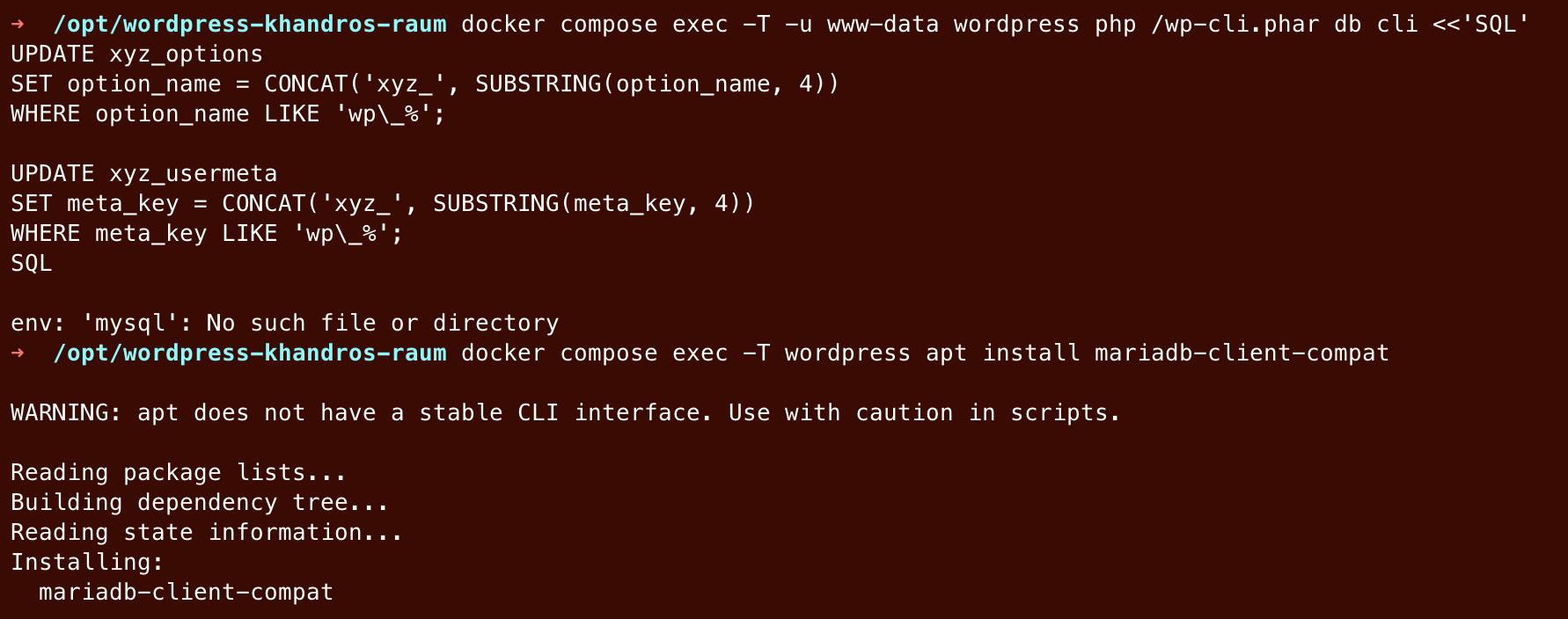
If you get the error “mysql: No such file or directory”, you need to install the client, for example using apt install mariadb-client-compat.
If “wp” is not found, the follow these steps.
1. Rename all tables
Table identifiers can't be parameterized in plain SQL, so generate the RENAME TABLE statements from information_schema and pipe them straight into wp db cli:
wp db query --skip-column-names "
  SELECT
    CONCAT(
      'RENAME TABLE ',
      TABLE_NAME,
      ' TO xyz_',
      SUBSTRING(TABLE_NAME, 4), ';')
  FROM information_schema.TABLES
  WHERE
    TABLE_SCHEMA = DATABASE() AND
    TABLE_NAME LIKE 'wp\_%';
" | wp db cli
If you want to look a the generated statements first, then remove the | wp db cli part, run just the wp db query ... command, review the output.
2. Fix prefixed option/meta keys
The tables are renamed, but some row values still carry the old prefix. Fix those too:
wp db query "
  UPDATE xyz_options
  SET option_name = CONCAT('xyz_', SUBSTRING(option_name, 4))
  WHERE option_name LIKE 'wp\_%';
  UPDATE xyz_usermeta
  SET meta_key = CONCAT('xyz_', SUBSTRING(meta_key, 4))
  WHERE meta_key LIKE 'wp\_%';
"
3. Verify
wp db query "
  SELECT COUNT(*) FROM information_schema.tables
  WHERE table_schema = DATABASE() AND table_name LIKE 'xyz\_%';
"
Should return the number from step 0.
4. Update wp-config.php
Find the $table_prefix line and change it to this:
$table_prefix = 'xyz_';